An MCP Server to manage native Apple Containers
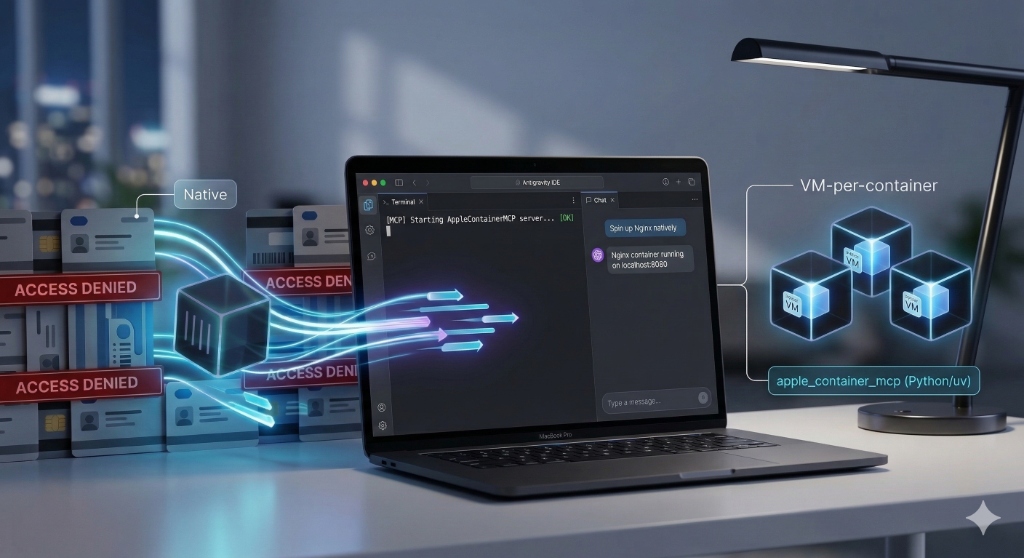
I recently ran into a wall on my Mac. I needed a container runtime for my local dev work, but for reasons I won’t go into here I couldn’t use Docker Desktop. For a while, Colima served as a solid lifeline. It is a great tool and handles the Docker CLI with ease. But Apple recently released their own native container service that potentially could be something better. It offers a true macOS-native experience with a VM-per-container model that feels like it actually belongs on the hardware.
The only problem? I really did not want to learn yet another CLI. I spend most of my day in Antigravity or Gemini CLI, and the thought of context-switching to a terminal to manually poke at Apple’s new container tool felt like a step backward.
So I decided to bridge the gap by building an AppleContainerMCP Server.
Why I Wrapped It in MCP
The Model Context Protocol (MCP) is the missing link here. By creating an MCP server for Apple’s native containers, I essentially gave my AI agent the ability to manage my local container infrastructure for me.
Instead of hunting down documentation for a new set of commands, I can just stay in my IDE. I tell the agent what I need, and it handles the heavy lifting through the MCP bridge. It is about removing the friction that usually comes with switching to a new tool.
Getting it Running
Since this is built with FastMCP, the setup is lean. You will need Apple’s native container tools and uv installed on your Mac (note that you need an Apple Silicon M# chip and MacOS 26+ to run Apple’s native containers).
- Clone the Repo:
git clone https://github.com/joeshirey/AppleContainerMCP - Configure Antigravity:
Open your Antigravity MCP settings (usually found by clicking the “…” in the Agent panel and selecting “View raw config”). Add the following block to yourmcpServerssection. Make sure to update the directory path to wherever you cloned the repo.
"apple-container-mcp": {
  "command": "/usr/bin/env",
  "args": [
    "FASTMCP_SHOW_SERVER_BANNER=false",
    "uv",
    "--directory",
    "/Users/YOUR_USERNAME/path/to/AppleContainerMCP",
    "run",
    "--quiet",
    "apple-container-mcp"
  ]
}
The README.md in the project repo has more information on how to install for various other tools and IDEs.
My New Workflow
The shift in productivity is immediate. Because the agent understands the context of my project, I can ask it to do things that used to require three different terminal tabs.
I might ask it to spin up a native Redis instance based on my current configuration file. Or I can have it list out every running container and kill the ones that are hogging resources. Or ask it to create a Dockerfile for a project and get the container running. The sub-second startup times of Apple’s native containers combined with the reasoning of an LLM makes for a very fast loop.
If you are stuck behind a policy or you just want to see how fast native macOS containers can be, check out the repo. For me, it is a much more productive way for to start working with a new CLI that I am not yet familiar with.
One other item to note. As of this writing, Apple’s native container service is still in preview and does not support exposing GPUs to the containers.